
If you’ve spent more than five minutes in the Zoho ecosystem, you’ve probably realized something: Zoho loves portals. They have a portal for your customers, a portal for your vendors, a portal for your partners, and probably a portal for your portal.
It’s great to have options, but for a business owner or a project manager, it can be a massive pain to figure out which one you actually need. Are you supposed to give your clients access to Zoho Books, or should they be logging into Zoho CRM? And when does Zoho Creator enter the chat?
Choosing the wrong one isn't just a minor technical hiccup. It leads to a clunky customer experience, data syncing headaches, and, let’s be honest, you paying for licenses you don’t actually need.
At ZoGenie, we spend our days as both a zoho crm consultant team and zoho creator developer experts. We’ve seen the good, the bad, and the "why is this so complicated?" side of these portals.
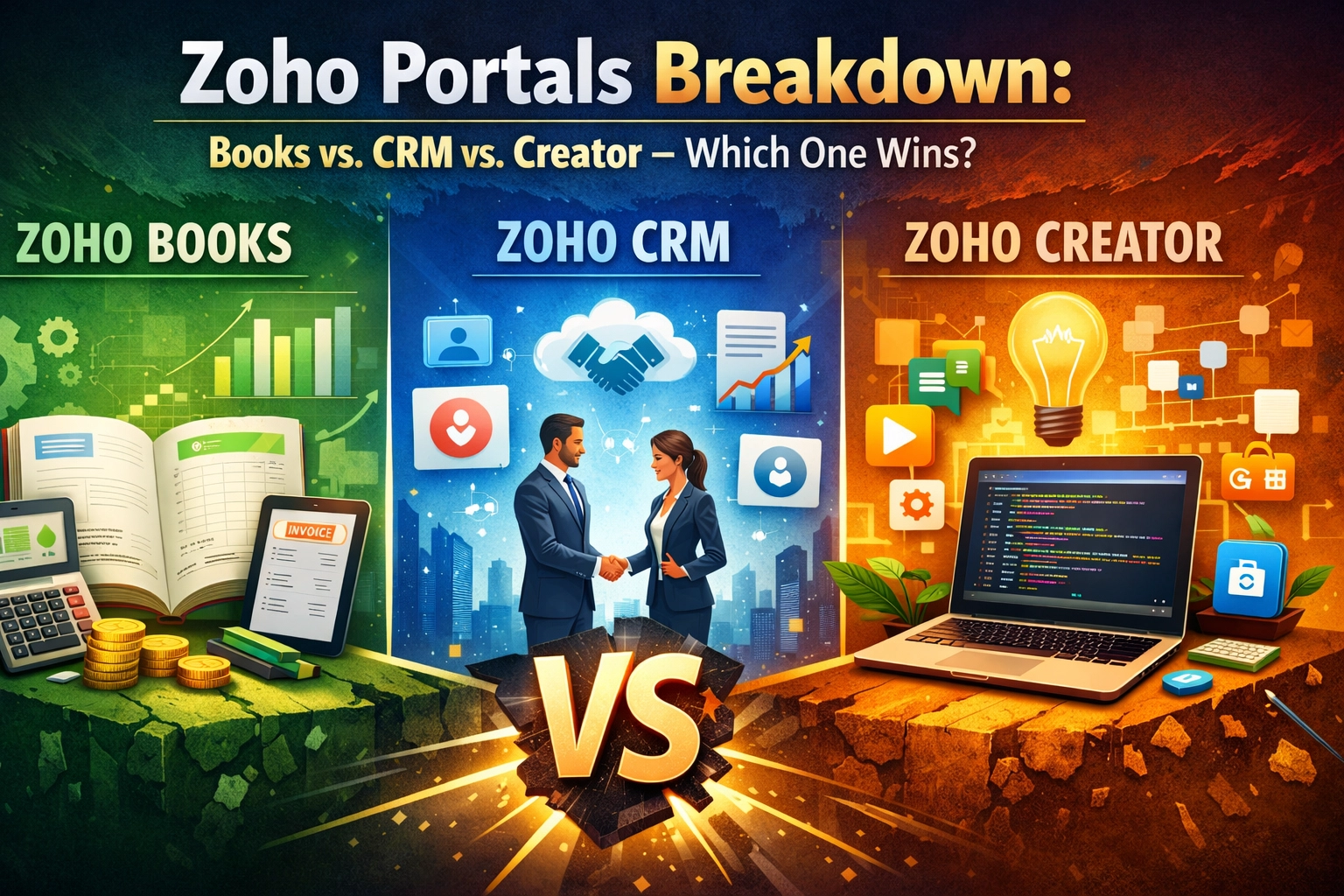
Here is the ultimate breakdown of Zoho Books vs. CRM vs. Creator portals, so you can stop guessing and start building a better experience for your users.
1. The Zoho Books Portal: The "Pay Me" Portal
Let’s start with the most straightforward one. The Zoho Books Client Portal is built with one primary goal in mind: managing the financial relationship between you and your client.
If your main interaction with a customer involves sending estimates, getting those estimates signed, and collecting payments on invoices, this is your winner.
What it does best:
- Self-Service Billing: Your clients can log in and see exactly what they owe. No more "Hey, can you resend invoice #402?" emails.
- Estimate Approval: Clients can view, accept, or decline estimates directly in the portal. Once they hit "Accept," you can trigger custom zoho workflows to turn that estimate into an active project.
- Payment History: It provides a clear audit trail. They can see what they’ve paid and download receipts whenever they want.
- Bulk Payments: If a client has five outstanding invoices, they can pay them all at once via the portal.
The Downside:
It is strictly financial. If your client wants to see the status of a support ticket, a sales lead, or a custom project timeline that isn't tied to a line item on an invoice, they’re out of luck. It’s a transactional tool, not a relationship management tool.

2. The Zoho CRM Portal: The "Relationship" Portal
This is where things get a bit more interesting. The Zoho CRM Client Portal (and its cousin, the Partner Portal) is designed to give users visibility into the data you’re tracking inside your CRM.
As a zoho crm consultant, we often recommend this to businesses that have long sales cycles or ongoing service contracts. It’s about transparency.
What it does best:
- Deal Tracking: If you’re a real estate agent or a high-end consultant, your clients want to know where their "Deal" stands. The portal lets them see the stage of the pipeline without calling you.
- Case/Ticket Management: Through integration with Zoho Desk, your clients can see their support history.
- Document Sharing: You can share files directly related to an account or a contact.
- Partner Collaboration: This is a big one. If you have outside agents or partners who need to submit leads to you, the CRM Partner Portal is the standard choice. You can set up zoho crm automation to notify your team the second a partner drops a new lead into the portal.
The Downside:
The UI customization is somewhat limited compared to Creator. It looks like Zoho CRM. While you can change colors and logos, you are ultimately stuck within the confines of the CRM's module structure. If you need a hyper-specific, unique user interface, you’re going to hit a wall here.
3. The Zoho Creator Portal: The "Build Anything" Portal
Now we’re getting into the heavy hitter. Zoho Creator is a low-code platform, and its portal capabilities reflect that. As a zoho creator developer, we turn to this option when a client says, "I need a portal that does X, Y, and Z, and none of the other Zoho apps support Z."
The Creator Portal is a blank canvas.
What it does best:
- Total Customization: You aren't limited to "Invoices" or "Deals." You can build a portal for a specialized laboratory to report results, a logistics company to track fleet movements, or a membership site with specific tiered access.
- Complex Workflows: If you need a user to fill out a 10-page multi-step form that triggers different actions based on their answers, Creator is the answer.
- Data Aggregation: A Creator portal can pull data from Books, CRM, Desk, and even third-party apps via APIs, presenting it all in one unified dashboard.
- Branding: You have much more control over the look and feel. If your brand identity is crucial, this is the route to go.
The Downside:
Complexity and cost. Setting this up requires a zoho creator developer because you’re essentially building a custom application. It’s not a "flip a switch" solution like the Books portal. There are also specific "Portal User" licensing costs in Zoho Creator that you need to factor into your budget.

Comparison: When to Use Which?
Choosing the right portal usually comes down to the primary action you want your user to take.
| Feature | Zoho Books Portal | Zoho CRM Portal | Zoho Creator Portal |
|---|---|---|---|
| Primary Goal | Payments & Invoices | Sales & Support Visibility | Custom Business Process |
| Ease of Setup | Extremely Easy | Moderate | Complex |
| Customization | Low | Low to Moderate | Extremely High |
| Best For | Freelancers, Agencies, Small Retail | B2B Sales, Professional Services | Specialized Industries, SaaS-like tools |
| Cost | Included in most plans | Requires Enterprise/Ultimate | Per-user portal pricing |
Why You Shouldn't Just "Wing It"
We see it all the time: a business tries to force Zoho CRM to act like a custom app, or they try to build a billing system in Creator when Zoho Books already does it perfectly.
This leads to "Shadow Data": where information is updated in the portal but doesn't sync back to your main database. It creates a nightmare for your team and a frustrating experience for your customers.
For example, if you use zoho crm automation to manage your sales pipeline, but your portal is built in a way that doesn't talk to your CRM, you're going to be manually moving data back and forth. That’s the opposite of efficiency.
When we work on our projects, our first step is always mapping out the data flow. We ask:
- Who is the user?
- What is the one thing they need to accomplish?
- Where does that data live currently?
If the data lives in Books, use the Books portal. If it’s a mix of five different things, call a zoho creator developer.

The Hybrid Approach
Sometimes, the answer isn't "one or the other."
A lot of our clients at ZoGenie use a hybrid approach. They might use the Zoho Books portal for the "boring" stuff (paying bills) but have a custom Zoho Creator portal for the "core" service they provide.
Because the Zoho ecosystem is integrated, these portals can talk to each other. You can have a button in your custom Creator portal that says "View My Invoices," which redirects the user seamlessly to their Books portal.
This keeps your costs down while maintaining a high-end, custom feel.
Final Thoughts: Which One Wins?
The "winner" depends on your friction points.
- If your clients are constantly asking for invoice copies: Zoho Books Wins.
- If your partners need to see the status of their referred leads: Zoho CRM Wins.
- If you are building a unique service that requires a specific workflow not found in a standard app: Zoho Creator Wins.
Don't let the technical setup scare you off. Whether you need a zoho crm consultant to polish your sales transparency or a zoho creator developer to build your dream client hub, getting the portal right is the fastest way to scale your business without increasing your headcount.
Ready to stop the portal confusion? Contact us at ZoGenie. We’ll help you figure out the exact setup you need to keep your clients happy and your workflows automated.
Check out more tips on our blog or see what our clients say about us on our testimonials page.
Key Takeaways for Your Next Implementation:
- Always check licensing costs for "Portal Users" before committing.
- Ensure your custom zoho workflows are tested before inviting clients.
- Keep the UI simple( a portal is a tool, not a maze.)