

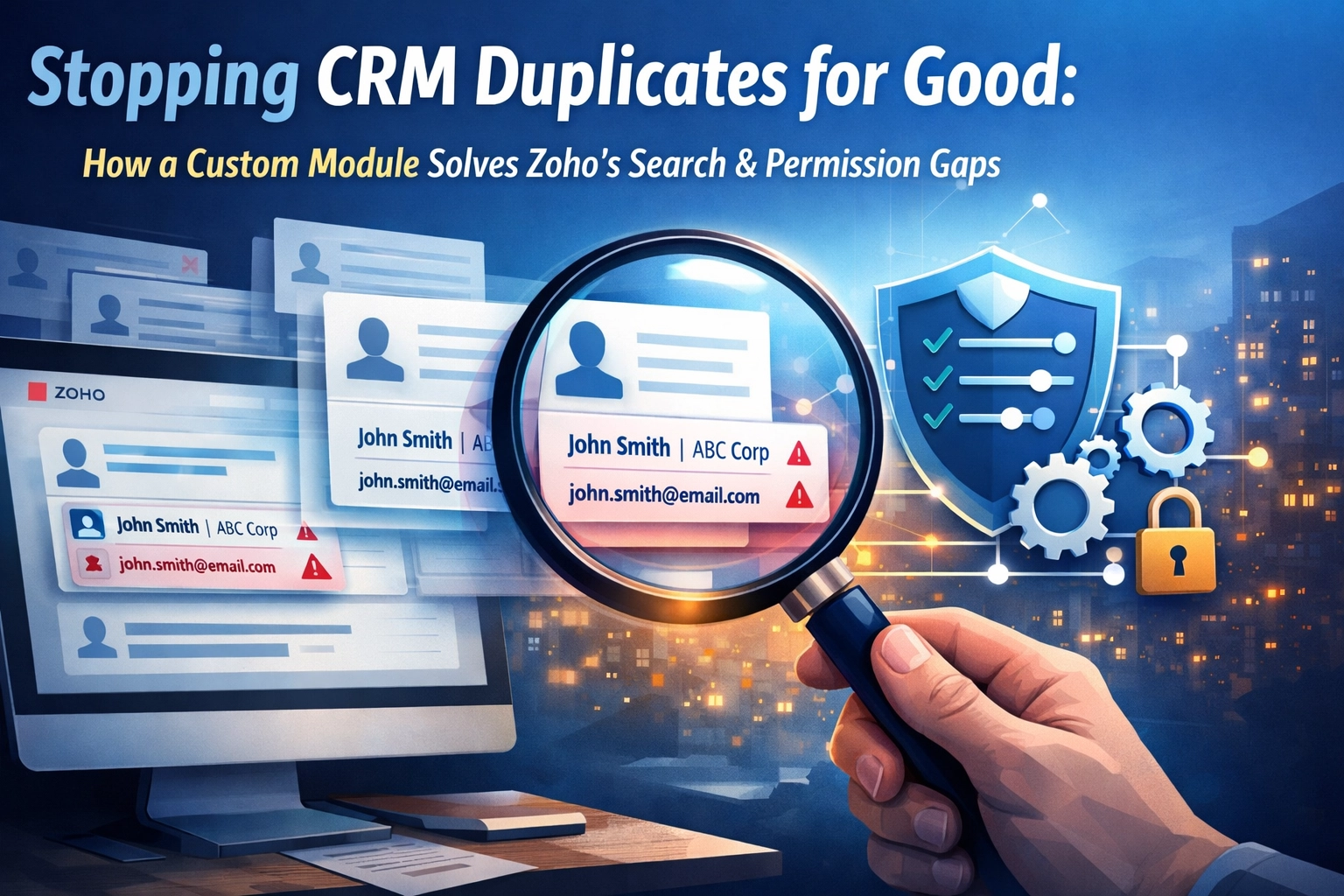
If you’ve been using Zoho CRM for more than a week, you’ve likely run into the "Duplicate Wall." It’s that frustrating moment when a salesperson spends three days nurturing a lead, only to find out it was already a contact owned by someone else in the company.
Data silos and duplicate records aren't just annoying; they cost you money. They lead to double-outreach, confused customers, and skewed reporting. Even worse, standard CRM settings often make it impossible for your team to avoid these mistakes.
At ZoGenie, we recently tackled a project for a client who was drowning in duplicates because of two specific limitations in the standard Zoho setup. Here is how we used custom Zoho workflows and a bit of out-of-the-box thinking to fix it.
The Two-Pronged Problem with Zoho Duplicates
Most people think clicking the "Do not allow duplicates" checkbox in the Lead settings is enough. It isn’t. Here is why the standard Zoho implementation often fails scaling businesses:
1. The Cross-Module Blind Spot
Zoho’s native duplicate prevention is module-specific. You can tell the system to prevent two Leads from having the same email address. You can do the same for Contacts. However, Zoho doesn't natively "look" from the Lead module into the Contact module during manual entry.
If John Smith is already a Contact in your system, a salesperson can still add John Smith as a new Lead. The system sees no conflict because the Lead doesn't exist… yet. By the time you try to convert that Lead, you realize the mistake, but the damage (and the wasted time) is already done.
2. The "Invisible Record" Trap
This is a permission issue. To keep data secure, many companies set their CRM sharing rules to "Private." This means a salesperson can only see the records they own.
If Salesperson A adds a contact, Salesperson B has no idea it exists. When Salesperson B searches the CRM for that same contact, they get zero results. Thinking the coast is clear, they add the record again. Now you have two records for the same human, owned by two different people, and neither knows the other exists. This is a nightmare for data integrity.

The Strategy: Building a "Global Search Index"
When this client approached us, they needed a way for their team to check if a person existed in the system without giving every salesperson full access to the entire database. They needed transparency for search, but privacy for the actual data.
As a Zoho CRM consultant, our goal is always to find the path of least resistance that offers the highest ROI. The solution? A Custom Module that acts as a global "search index."
How the Solution Works
Instead of trying to force Zoho to search across modules or opening up all your private data, we created a new module called "Record Index."
This module is intentionally kept very "lean." It doesn't store sensitive notes, deal values, or private addresses. It only stores:
- The Person's Name
- Email Address
- Phone Number
- The Record Owner (The person who already has them in the CRM)
- The Source Module (Lead or Contact)
Why This Solves the Problem
Because the Record Index module has "Public Read-Only" permissions, every user in the company can search it.
Now, before a salesperson adds a new lead, they check the Record Index. If the person exists, they immediately see: "Hey, John Smith is already a Contact, and he belongs to Sarah in the West Coast office."
The salesperson stops what they’re doing, doesn’t create a duplicate, and simply reaches out to Sarah. Total time saved: hours of wasted effort. Data remains private, but the existence of the data is public.
The Tech Behind the Curtain: Zoho Deluge and Automation
You might be wondering: "Do I have to manually update two modules now?"
The answer is no. This entire process is powered by Zoho CRM automation and Zoho Deluge scripting. We don't want your team doing double entry; we want the system to work for them.
Step 1: The Sync Script
We wrote a custom function using Zoho Deluge that triggers every time a Lead or Contact is created or edited.
- When a record is saved, the script triggers.
- It searches the Record Index module for a matching Unique ID (usually an email address or a phone number).
- If no index entry exists, it creates one.
- If an entry exists but the owner has changed (e.g., the lead was reassigned), the script updates the index.
Step 2: The Conversion Logic
When a Lead is converted into a Contact, the script is smart enough to update the "Source Module" field in the index from "Lead" to "Contact." This ensures your search results are always accurate in real-time.

Why You Can’t Just Use Global Search
You might ask: "Doesn't Zoho have a global search bar at the top?"
Yes, it does. But Zoho's global search respects the sharing rules. If the record is "Private," the global search will not return that result to a user who doesn't have permission to see it. Our custom module bypasses this by being a "Public" module that contains "Public" snippets of "Private" data.
It is the perfect balance between security and usability.
Implementing This in Your Business
If you’re looking to clean up your Zoho implementation, here is the high-level roadmap we follow at ZoGenie:
- Define Your Unique Identifiers: Usually, this is the email address. In some industries, it’s a phone number or a Tax ID. You need one "key" that identifies a human uniquely.
- Create the Custom Module: Keep the fields minimal. You only want enough data to identify the person and the owner.
- Deploy the Deluge Scripts: You’ll need a "Create/Edit" trigger on both Leads and Contacts.
- Historical Data Migration: This is the big one. If you already have 10,000 records, you need a one-time script to populate your index module so you aren't starting from scratch.
- User Training: Show your team how to search the index before they hit "Create New."
If this sounds complex, it’s because it can be. Getting the script logic right so it doesn't create "infinite loops" or hit your daily API limits is why many companies choose to work with a Zoho CRM consultant. You can see some of our previous work on our Our Projects page.

The Long-Term Benefits of Clean Data
Beyond just stopping duplicates, this custom module setup offers several massive advantages for your business operations:
- Better Sales Morale: Nothing kills a salesperson's drive like "stealing" a lead by accident and then having to hand it over after doing all the work.
- Cleaner Marketing: When you sync your CRM to Zoho Campaigns, you won't be sending the same email twice to the same person from two different owners. This keeps your domain health high and prevents you from being marked as spam.
- Accurate Attribution: If you have duplicates, you might have two different "Lead Sources" for the same person. This makes your marketing ROI reports look like a mess.
- Faster Onboarding: New hires can hit the ground running because they don't have to guess if a prospect is "fair game." They just search the index.
Is This the Right Solution for You?
Not every company needs a custom index module. If you have a small team where everyone sees everything, standard duplicate rules work fine. But as soon as you introduce Private Sharing Rules and multiple departments (Sales, Marketing, Support), the standard tools often fall short.
If you are struggling with messy data or want to see how custom Zoho workflows can streamline your specific business model, we’re here to help. You can check out what other clients say about our solutions on our Testimonials page.
Managing a CRM shouldn't feel like a full-time job. With the right Zoho CRM automation, the system should manage itself.
Ready to stop the duplicate madness? Contact us at ZoGenie today, and let’s talk about how we can make your Zoho CRM work exactly the way you need it to. You can also learn more About Us and our approach to business software consulting.
For more tips on getting the most out of your software, head over to our Blog.